Put your house on the map
Every October, families ask the same question in the same Facebook groups: which streets are actually doing it? If yours is, this is how they find you.
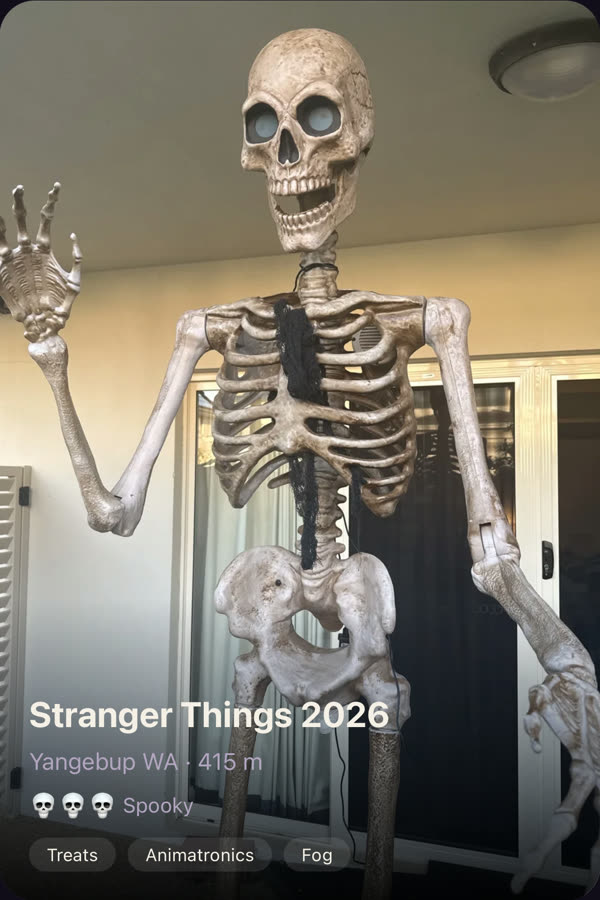
- 1
Sign in with your email
We send you a six-digit code. No password, no account to create.
- 2
Add your house
Address, what you're doing, how scary it is, and the hours you'll be running. Photos and a short video if you have them.
- 3
We check it, then it goes live
Every listing and every photo is reviewed by a person first. Usually within a few hours.
- 4
On the night, tap when you're on
Lights on, out of lollies, done for the night — one tap each. The map shows only the houses actually running.
Your house number is never shown
Until 28 October, families see your suburb and an area on the map — not your street or your house. From then, your street and a pin appear so they can find you on the night. The number never does. You can take your listing down at any time and it disappears straight away. Everything expires on 1 November, and nothing comes back next year unless you say so.
Read the full privacy pageEasier in the app
List from your phone's camera, get a notification when your house is approved, and switch Lights on with one tap on the night.